

INTRODUCTION
Most monitors look impressive on paper now. You see 4K panels, HDR badges, USB-C ports, creator-focused colour claims and big promises around productivity. But once you actually sit in front of them all day, especially on macOS, the same issues start to appear. Text can look softer than expected, scaling can feel slightly awkward, and the overall experience often falls short of that crisp “Retina-style” sharpness many Mac users are used to.
The KTC H27P3 takes a very different approach. This is a 27-inch 5K monitor with a native 5120 x 2880 resolution, designed to deliver the kind of pixel density usually associated with far more expensive displays. It also offers USB-C with 65W power delivery, wide colour coverage, HDR400 support and a dual-mode option that lets you switch from 5K at 60Hz to 1440p at 120Hz.
At around the price of a decent 4K monitor, it sounds almost too good to be true. But after using it properly for productivity, editing, reading, browsing and general desktop work, the H27P3 starts to make a lot of sense.
QUICK SUMMARY
The KTC H27P3 is one of the most compelling affordable 5K monitors currently available. Its biggest strength is simple: text looks incredibly sharp, especially on macOS, where 5K scaling gives you that comfortable 1440p-style workspace with much cleaner rendering.
It is not a luxury Studio Display replacement in terms of materials, speakers, webcam or stand quality. But as a sharp, practical, one-cable 5K monitor for work and light creative use, it delivers outstanding value.
WHAT’S IN THE BOX
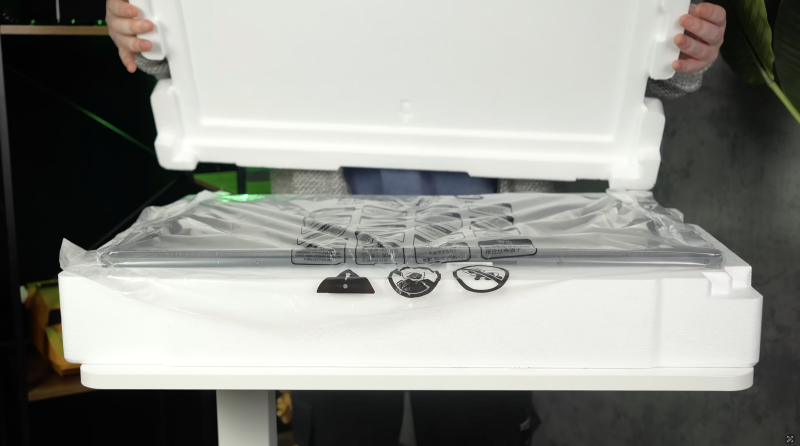
Inside the box, you get:
- KTC H27P3 monitor
- Monitor stand
- Power adapter
- Display cables
- USB-C cable
- Basic paperwork
The package is straightforward, but neatly packed and appropriate for the price.
DESIGN & BUILD QUALITY
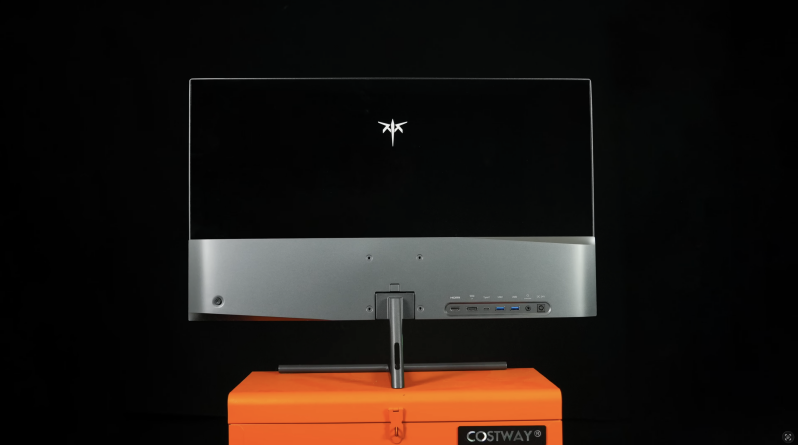
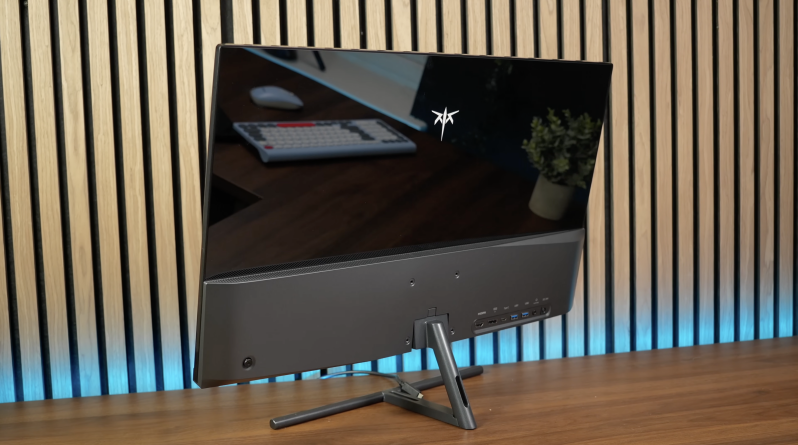
The H27P3 has a clean, minimal look that suits a desk setup nicely. The bezels are slim, the front presentation is tidy, and thankfully, KTC has avoided the aggressive gamer styling and RGB-heavy design language found on many affordable monitors.
It does not feel like an Apple Studio Display. The materials are more practical than premium, and the stand is fairly basic. But day to day, it does not feel flimsy or cheap.
The biggest compromise is the stand. It is tilt-only, with no proper height adjustment, swivel or pivot. For short sessions, it is fine. For serious desk work, a monitor arm is strongly recommended. Thankfully, the H27P3 supports VESA mounting, which gives you an easy upgrade path.
SETUP & FIRST IMPRESSIONS
Setup is simple. Attach the stand, connect power, plug in your laptop or desktop, and you are ready to go.
The USB-C connection is one of the best parts of the experience. With up to 65W power delivery, a single cable can handle display output and laptop charging, which makes the H27P3 especially appealing for MacBook users and compact desk setups.
The monitor also includes DisplayPort 1.4, HDMI 2.0, USB-A ports and a headphone output. That gives you a decent selection for the price, although the USB hub is not a full KVM system. It is useful for a keyboard, mouse dongle or simple accessories, but dual-computer users may still want a separate KVM or USB switch.
FEATURES & PERFORMANCE
5K Sharpness & macOS Scaling
This is the reason to buy the H27P3.
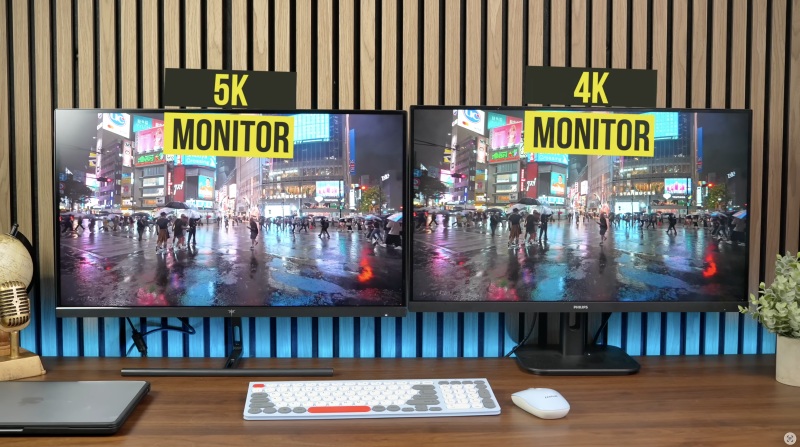
At 27 inches and 5120 x 2880 resolution, the panel reaches roughly 217–218 pixels per inch, putting it extremely close to Apple’s 27-inch 5K display density.
On macOS, that matters enormously. The interface can scale like a comfortable 1440p monitor while retaining the sharpness of a 5K panel. Text looks cleaner, edges look more natural, and long days spent in emails, documents, spreadsheets, code editors and browser tabs become noticeably easier on the eyes.
Compared with a standard 27-inch 4K monitor, the difference is obvious once you adjust to it. Going back makes 4K feel softer than it should.
Colour Performance
Colour performance is also stronger than expected at this price. The H27P3 is commonly listed with 100% sRGB and 99% DCI-P3 coverage, with factory calibration claims around Delta E under 2.
That makes it genuinely useful for photo editing, video timelines, design work and general creative tasks. It is not a high-end reference monitor, and serious colour-critical professionals will still want proper calibration and a more proven professional display. But for creators, editors and hybrid office users, it is more than capable.
Brightness & HDR
Brightness is quoted at around 500 nits, while contrast is listed at 2000:1, helped by the IPS Black-style panel used in the display.
For SDR work, that is excellent. The screen gets bright enough for most desk setups, and contrast is better than many typical IPS monitors.
HDR, however, is not the main reason to buy this monitor. HDR400 support is here, but there is no proper local dimming or deep black performance. You may see brighter highlights, but this is not a true cinematic HDR experience. Treat it as an SDR-first monitor with basic HDR support.
Dual Mode: 5K 60Hz or 1440p 120Hz
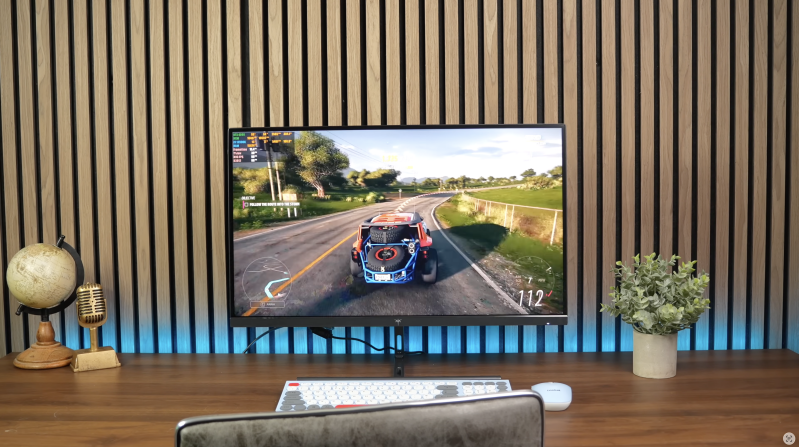
One of the H27P3’s most interesting tricks is dual-mode operation. You can run the monitor at its native 5K resolution at 60Hz, or switch down to 2560 x 1440 at 120Hz for smoother motion.
For productivity, 5K 60Hz is absolutely the mode to use. For casual gaming, smoother scrolling or lighter esports titles, 1440p 120Hz is a nice bonus.
The downside is switching modes through the monitor’s on-screen display. The OSD is functional, but not especially elegant. It feels clumsy compared with the rest of the experience.
This is not a hardcore gaming monitor, but for casual gaming after work, the 120Hz mode is genuinely useful.
REAL-WORLD EXPERIENCE
The H27P3 is at its best as a productivity and creative desk monitor.
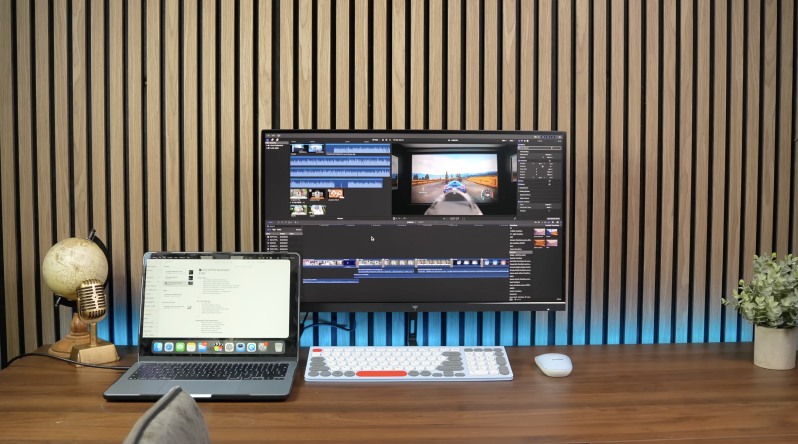
For Mac users especially, it solves one of the biggest frustrations with affordable monitors: sharpness. Reading text all day feels easier, interface elements look cleaner, and creative apps benefit from the extra resolution.
Editing video also feels more comfortable because you can view high-resolution content while still leaving room for timelines, tools and panels. For general work, the 5K resolution makes the monitor feel more expensive than it is.
The compromises are mostly around the extras. The stand is basic, there are no built-in speakers, no webcam, no luxury metal enclosure, and HDR is underwhelming. But those are understandable trade-offs for the price.
PROS
- Excellent 5K sharpness at 27 inches
- Superb macOS scaling experience
- Strong value compared with premium 5K monitors
- USB-C with 65W power delivery
- Good colour coverage for creative work
- 1440p 120Hz mode is useful for casual gaming
- Clean, minimal design
- VESA mount support
- Solid SDR brightness and contrast
CONS
- Tilt-only stand is very basic
- No built-in speakers or webcam
- HDR400 is limited
- OSD controls feel clumsy
- Not a true reference-grade creative monitor
- Not ideal for serious competitive gaming
- USB hub is not a proper KVM
WHO IS THIS FOR?
The KTC H27P3 is ideal for MacBook users, writers, editors, designers, programmers and productivity-focused buyers who care more about text clarity than luxury extras.
It also suits Windows users who want high pixel density for creative work, although the macOS scaling experience is where this monitor feels most compelling.
It is less suitable for buyers wanting a premium all-metal build, built-in webcam and speakers, serious HDR, or high-refresh competitive gaming.
FINAL VERDICT
The KTC H27P3 is not perfect, but it fills a gap that has needed filling for years.
It brings proper 27-inch 5K sharpness to a much more affordable price point, giving Mac users and productivity-focused buyers a genuine alternative to far more expensive displays. The stand is basic, HDR is limited, and the overall build does not feel luxurious, but the core experience is excellent where it matters most.
If you want a sharp, clean, one-cable monitor for daily work, editing, reading and general desktop use, the KTC H27P3 is one of the most compelling affordable 5K displays to consider in 2026.
Watch the full cinematic video review on Gadget Crunch’s YouTube channel.
Add comment
Comments